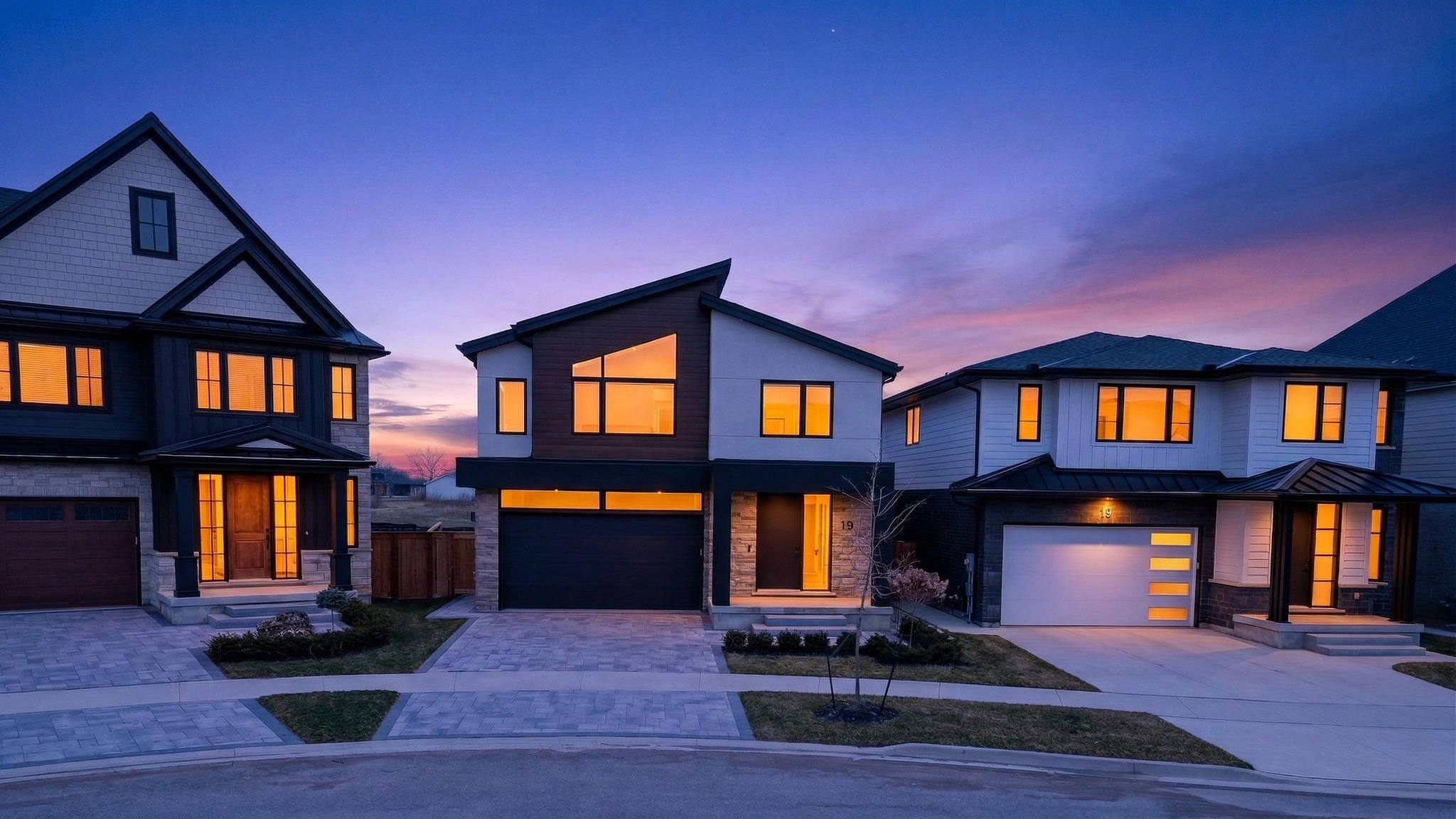
Instagram @noyesmedia
Facebook Noyes Media

Follow Along

Behind the
Lens

Follow us on Instagram and Facebook for behind-the-scenes content, recent shoots, tips for agents, and everything happening in the Niagara Region real estate market.

Instagram
@noyesmedia  ·  Niagara Region, ON
Followers
Posts
Niagara Region, ON
Featured Post
Coming Soon
01
Photo
Coming Soon
02
Reel
Reel
Coming Soon
03
Photo
Coming Soon
04
Carousel
Carousel
Coming Soon
05
Reel
Reel
Coming Soon
06

Latest from Instagram — follow along for behind-the-scenes shoots, twilight sessions, and everything we're working on across Niagara.

View full feed
How to add posts

For each post you want to add: (1) add class="has-image" to the .feed-post div, (2) add <img src="your-photo.jpg" alt="..."/> inside it, (3) remove the .post-placeholder div, (4) update the data-url attribute to the real Instagram post URL, (5) update like/comment counts in .post-overlay-stats. To add more posts, duplicate any .feed-post block inside #ig-feed.

Facebook
Noyes Media  ·  Niagara Region, ON
Page Likes
Followers
Niagara Region, ON
Featured Post
Coming Soon
01
Photo
Coming Soon
02
Video
Video
Coming Soon
03
Photo
Coming Soon
04
Photo
Coming Soon
05

Latest from Facebook — longer-form posts, listing announcements, and local market content for agents across Niagara.

View Facebook page
How to add posts

Same as Instagram: add class="has-image", insert <img>, remove .post-placeholder, update data-url to the real Facebook post permalink. The first post in the Facebook grid is portrait-format (4:5) — ideal for a strong hero image. Add or remove .feed-post blocks inside #fb-feed to match your actual post count.

Like What You
See?

Book a shoot and we'll make your listing the next one on the feed — at founding rate pricing while it lasts.